OTTPlayer is a free, ad-free IPTV client for all major platforms. Add any M3U playlist, organize your channels, view the EPG guide and enjoy seamless streaming — on your phone, tablet, TV or Smart TV.

OTTPlayer is a free, open IPTV client that lets you collect all your IP-TV streams in one organized playlist. You control the channel order, manage groups, and access an electronic program guide (EPG) — all from a clean, easy-to-use interface.
Whether you're watching on your Android phone, iPhone, Smart TV, Fire TV Stick, or Google TV — OTTPlayer delivers a consistent, reliable experience across every screen you own.
Unlike many IPTV apps, OTTPlayer contains zero built-in channels. It is a pure player tool — you bring your own M3U playlist from your IPTV provider, and OTTPlayer takes care of everything else.
Important: OTTPlayer does not provide, sell or distribute any TV channels. It is simply a viewer tool. You need an M3U playlist from your own IPTV service provider to use the app.
OTTPlayer is built for real users — clean, fast, and packed with features that make IPTV streaming effortless on any device.
Import and manage multiple M3U8 playlists from any IPTV provider. Add, edit, or delete playlists with ease and switch between them in seconds.
See what's on now and what's coming next with the built-in EPG guide. Supports standard XMLTV format so you're always up to date.
OTTPlayer is completely ad-free. No banners, no popups, no pre-roll ads — just your content, playing cleanly and without interruption.
Reorder your channels exactly how you like them. Customize group names, hide unwanted categories, and pin your favorite channels to the top.
Plays HLS, RTSP, TS over UDP, and RTMP streams. Compatible with virtually every IPTV provider and format available in 2026.
Register your playlists once on ottplayer.tv and access them across all your devices — phone, tablet, and TV — with no manual re-import needed.
Designed with a TV-first interface for Android TV, Google TV, Fire TV Stick, Samsung Smart TV, and LG Smart TV. Full remote control navigation.
Easily manage and customize icons for each channel in your playlist. A clean visual layout makes finding your channels faster and more intuitive.
Protect specific channels or groups with a PIN code. Parental controls keep inappropriate content locked and your home safe.
Getting started with OTTPlayer takes less than 5 minutes. No technical knowledge required.
Download OTTPlayer free from Google Play, App Store, or directly as an APK file for Android TV, Fire TV, or Google TV. Installation takes under a minute.
Open the app and import your M3U8 playlist URL from your IPTV provider. OTTPlayer will automatically load all your channels and groups.
Browse your channel list, check the EPG guide for what's on now, and tap any channel to start streaming instantly. Enjoy on any screen you own.
A clean, modern interface that works beautifully on phones, tablets and TVs.
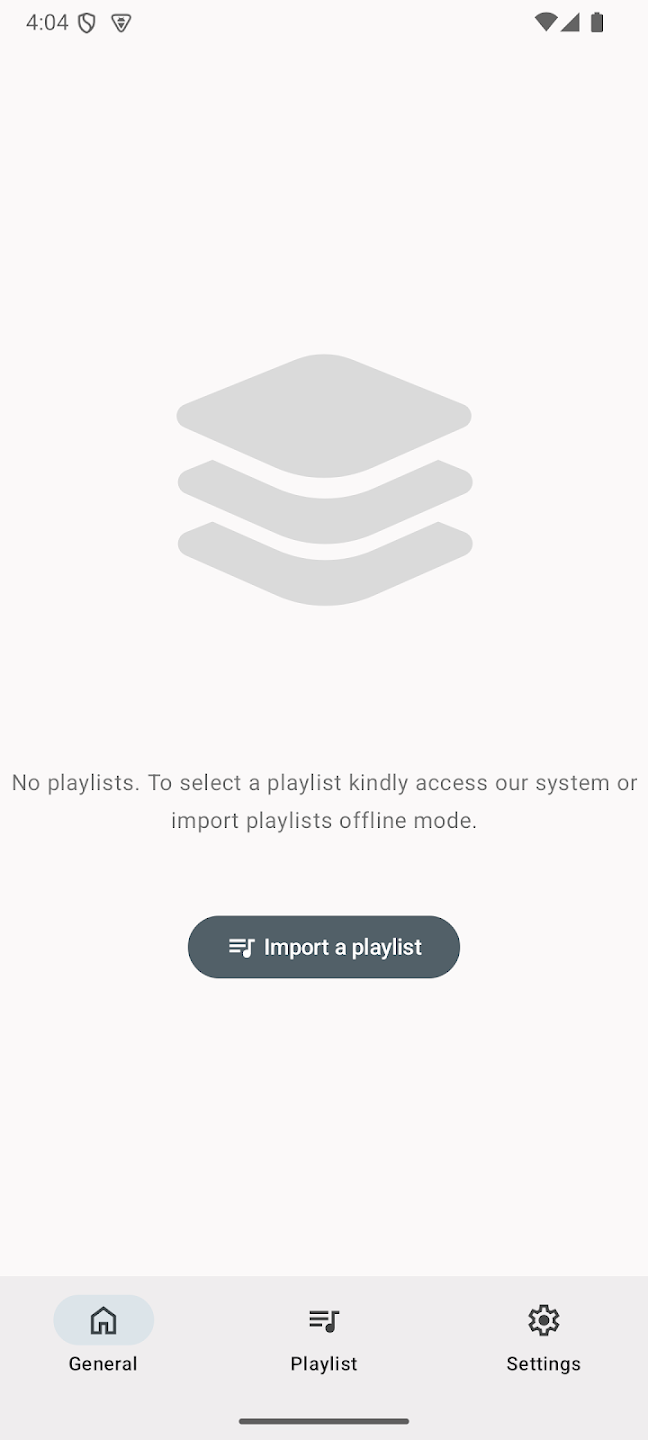
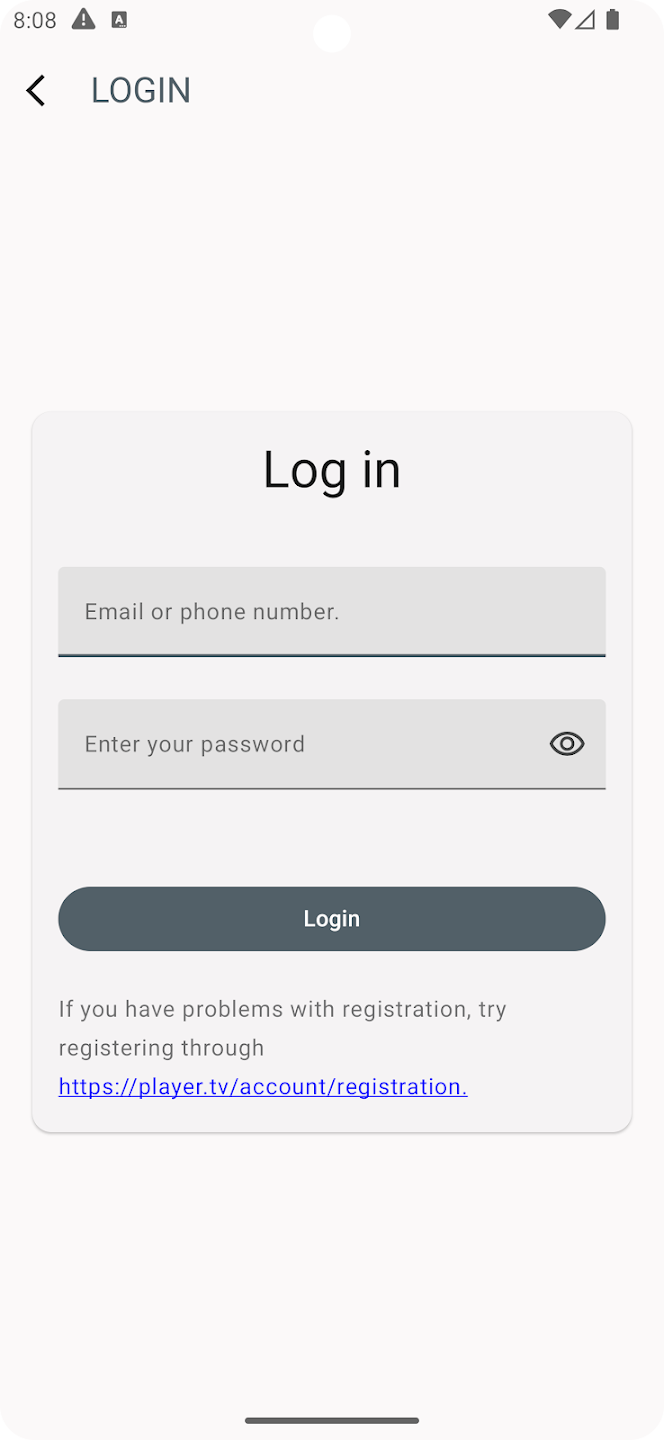
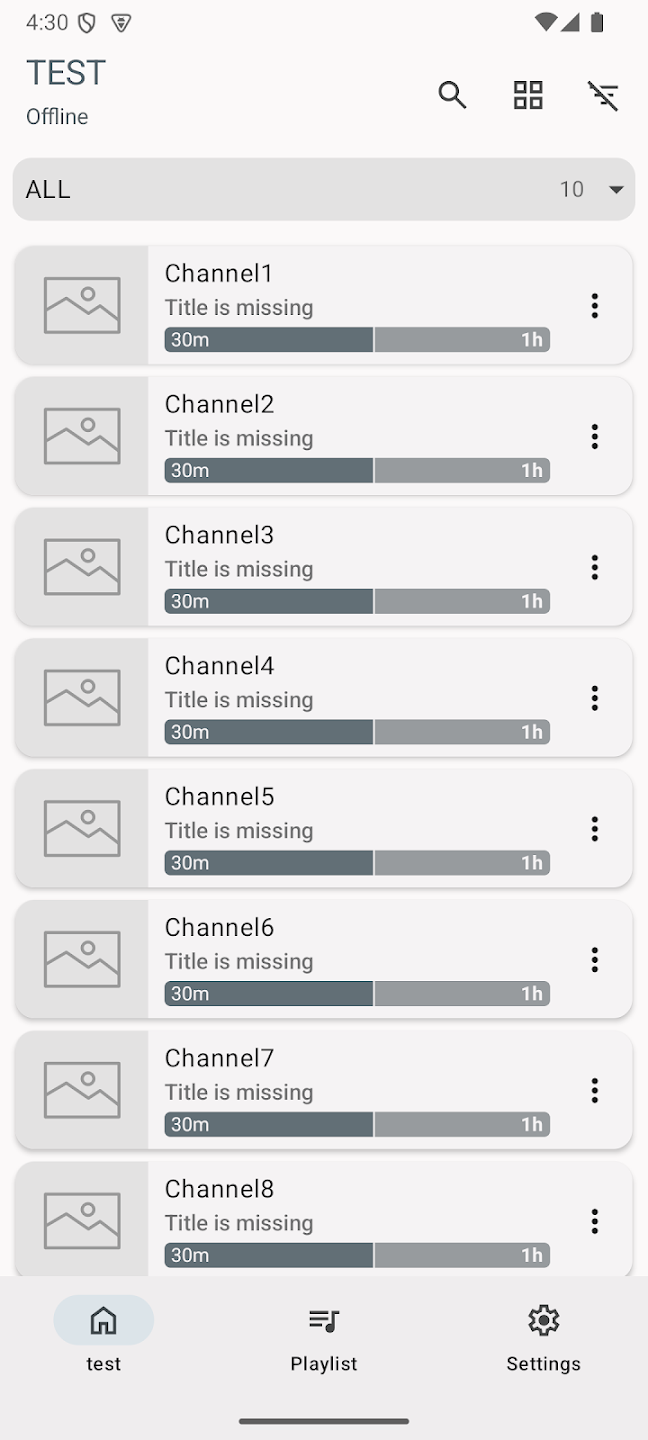
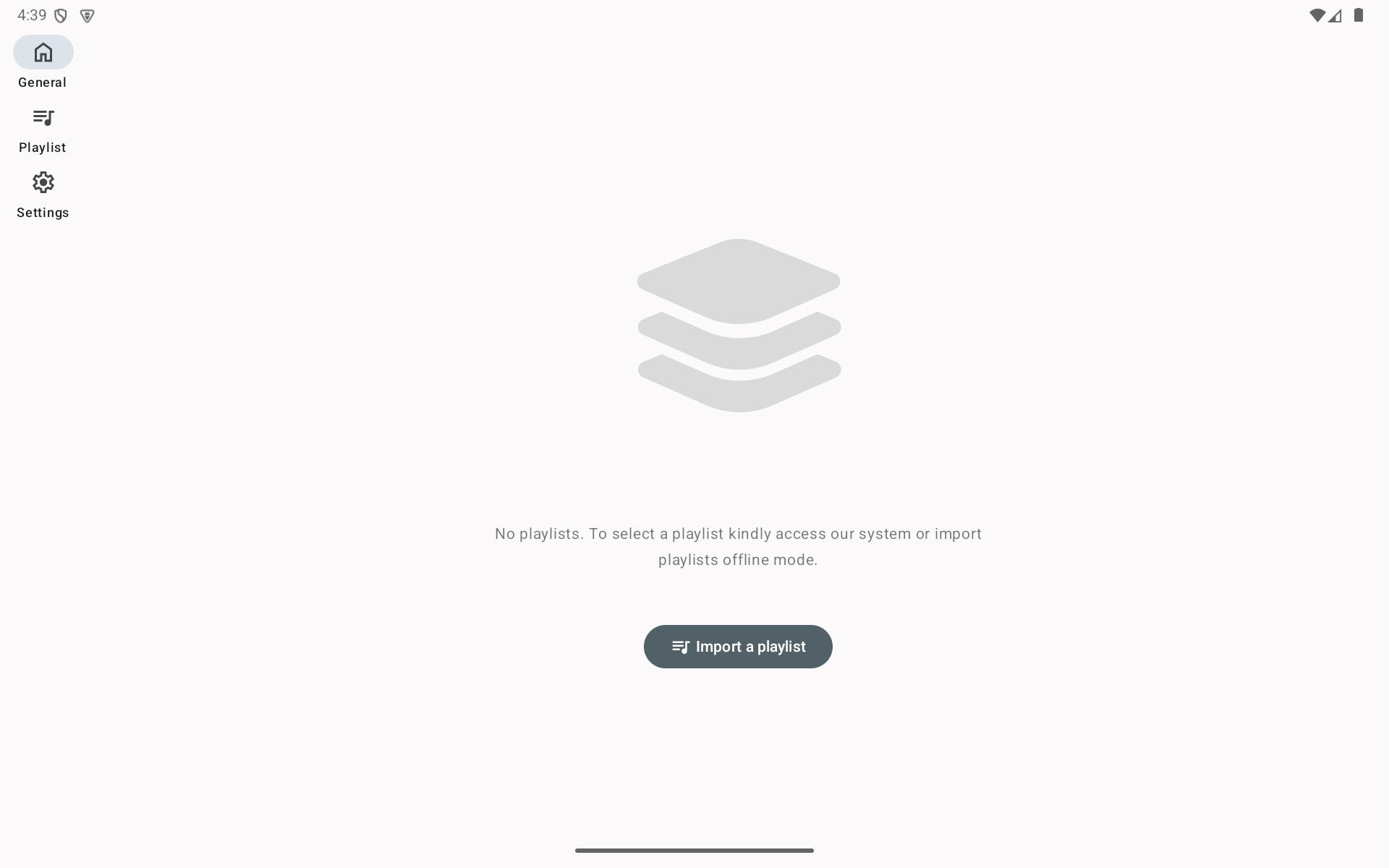
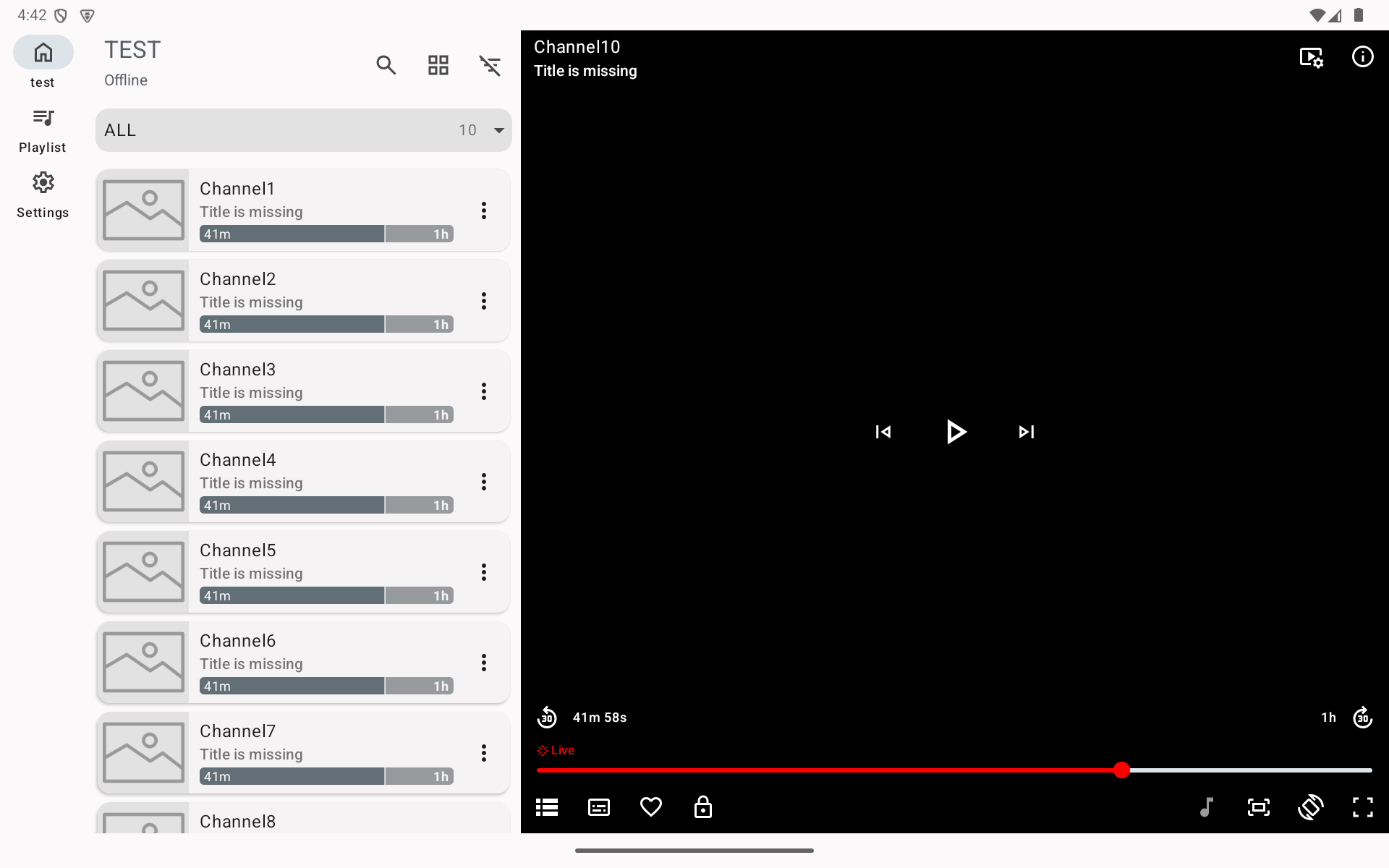
OTTPlayer works with every major IPTV streaming format used by providers worldwide in 2026.
The most widely-used streaming format. Compatible with virtually all IPTV providers.
Real-Time Streaming Protocol. Ideal for low-latency live streams.
MPEG Transport Stream over UDP. Used by local and multicast IPTV networks.
Real-Time Messaging Protocol. Supported for legacy and custom stream sources.
Follow our detailed guides to install OTTPlayer on your specific device — no technical knowledge needed.
Install OTTPlayer on Amazon Fire TV Stick, Android TV, Google TV, and Android TV boxes using the Downloader app with code 1117533.
Read GuideComplete guide to installing OTTPlayer on Samsung Smart TVs running Tizen OS. Works with 2016 and newer models.
Read GuideInstall OTTPlayer on LG Smart TVs running WebOS or NetCast using a USB flash drive. Supports LG models from 2011 onward.
Read GuideDownload OTTPlayer from Google Play or install the APK directly on any Android phone or tablet running Android 5.0 or higher.
Download NowEverything you need to know about OTTPlayer before you start.